
Reece Myzone 3 Installation and Configuration Manual

This manual explains how to install and configure the Myzone 3 thermostat.
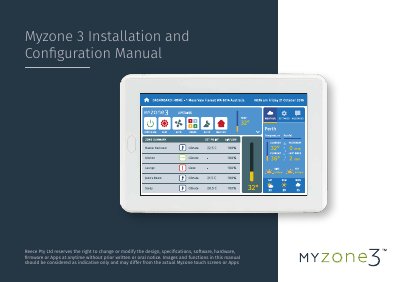

Reece Myzone 3 Installation and Configuration Manual - cover page
Brand
Reece
Category
Other
Document type
Installation Guide
Language
English
Pages
103
File format
PDF
File size
7.7 MB
Published
20 October, 2023
Updated
20 October, 2023
MD5 checksum
DDC3D87CE62BCB0522DC31C8BE82B709

About this manual

This manual provides instructions for installing and configuring the Reece Myzone 3 system, which controls ducted air conditioning units and zone dampers. It details general installation rules, such as using shielded cables and separating power supplies, and outlines the hardware connection process for the CPU and A/C unit modules.

What's inside

  • General Installation Rules
  • Hardware Installation
  • Unit Compatibility
  • System Initialisation
  • System Configuration
  • Sensor Configuration
  • Wi-Fi Bridge Set Up
  • A/C Unit Configuration
  • Wiring Connections to A/C Units
  • Home Automation Integration

Specifications

Zone Motor Cable TypeRJ12 cables
Data Cable Minimum Thickness0.75mm²
Supply Air Sensor PortCDTS port
Sensor Installation Height1600mm above the floor

Frequently asked questions

Do all zone motors need to be the same brand?

Yes, all zone motors used on a system must be the same brand.

Can the Myzone CPU be installed on the indoor fan coil unit?

Yes, the Myzone CPU and A/C Unit Module can be installed close to or on the indoor fan coil unit.

Is a supply air temperature sensor required for ON/OFF zone control?

No, a supply air sensor is only required if there are individual temperature controlled zones.

Download PDF (7.7 MB)