
This document describes how to set up a new user account to access EMS for course providers through the Okta multi-factor authentication tool
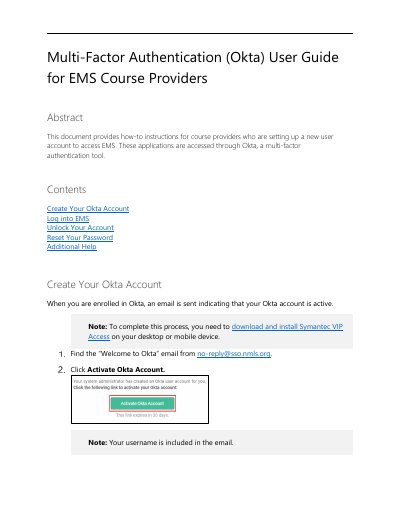
This document provides step-by-step instructions for course providers to create a new Okta account and install the required Symantec VIP Access software. It details the process of activating the account via email and setting up security credentials.
You need to download and install Symantec VIP Access on your desktop or mobile device.
Your password must be at least 15 characters long.