
This document is a user guide for Symantec Partner Portal.
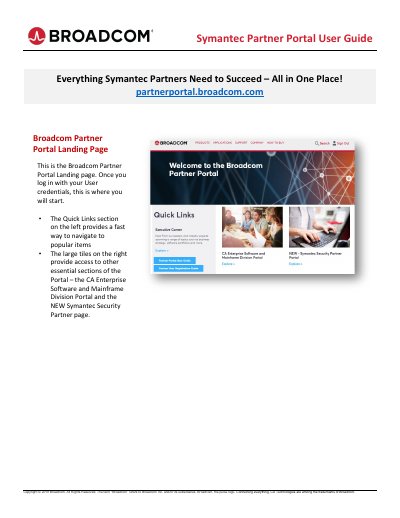
This document serves as a user guide for the Broadcom Symantec Partner Portal. It describes the landing page layout, including Quick Links and large tiles that provide access to essential sections such as the CA Enterprise Software and Mainframe Division Portal and the Symantec Security Partner page. Users are instructed on how to log in using their User credentials to begin their session.
You will be prompted to login with your Symantec Login name and password.
All other links will require a CA Login and password.
Eligible partners select the “Deal Registration & Opportunities” link to fill out an online form.