
This is a guide on how to activate your Symantec Reseller account
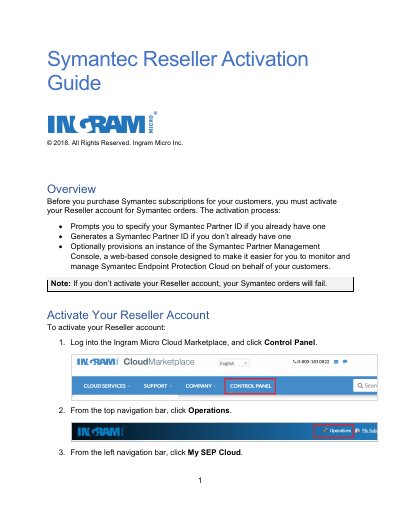
This guide explains how to activate a Symantec reseller account via the Ingram Micro Cloud Marketplace. It covers steps to specify or generate a Symantec Partner ID and optionally provision the Symantec Partner Management Console. Activation is required for successful Symantec orders. After activation, users can view and edit their SEP Cloud Partner information, though edits should only be made with technical support guidance. Symantec will email onboarding instructions if the Partner Management Console was enabled.
You must activate your Reseller account for Symantec orders before making any purchases.
Your Symantec orders will fail if you do not activate your Reseller account.
The section displays your SEP Cloud Partner information once your account is active.