
Sola-Sure Manual is a manual for Sola-Sure, a solar radiation dosimeter produced by Solatell
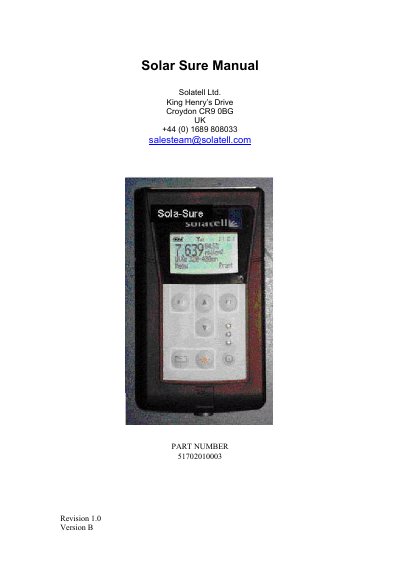
The Solatell Sola-Sure is a device used to measure UV radiation, calculating energetic areas such as Total UVR, UVB, UVA, UVA1, and UVA2, as well as Te Times based on FDA and CIE/IEC standards. The manual details how to switch the device on and off, view current readings, and print data using an optional thermal printer.
Key operational features include standard and auto-ranging scans to determine intensity ranges, stray light compensation settings to ensure data accuracy, and various menu options for customizing area ranges, logging data, and locking settings to prevent accidental changes. The device utilizes specific buttons (F1, F2, Up, Down, Memory, Scan, Power) to navigate menus and perform measurements.
Press and hold the Scan Key for two seconds to perform an Auto-Ranging Scan.
Navigate to the Stray Light menu and select the Solarium Mode menu item.
The default Stray Wavelength Limit is set to 295nm.