
Stride SE2 Series Industrial Ethernet Switches User Manual

This document introduces the management methods of Stride SE2 series industrial Ethernet switches.
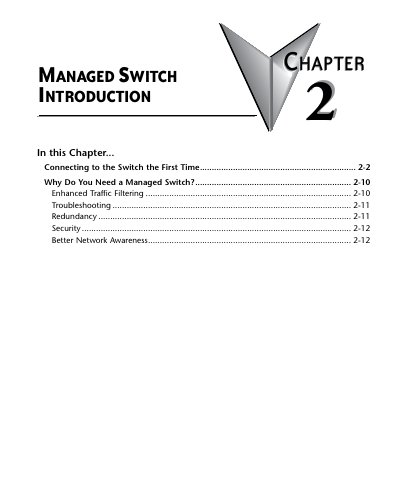

Stride SE2 Series Industrial Ethernet Switches User Manual - cover page
Brand
STRIDE
Category
Network Switches
Document type
User Manual
Language
English
Pages
12
File format
PDF
File size
387 KB
Published
20 October, 2023
Updated
20 October, 2023
MD5 checksum
F61EE75907A477636421F093CBCA4FEB

About this manual

This manual provides instructions for the initial connection and configuration of the Stride SE2 Series managed switches. It details how to access the switch via a mini-USB console port or Ethernet port using CLI, telnet, or a web browser, including default login credentials and IP settings.

What's inside

  • Connecting to the Switch the First Time
  • Why Do You Need a Managed Switch?
  • Enhanced Traffic Filtering
  • Troubleshooting
  • Redundancy
  • Security
  • Better Network Awareness

Frequently asked questions

What are the default login credentials for the Stride SE2 switch?

The default User Name is 'admin' and the default Password is 'admin'.

What is the default IP address of the Stride SE2 switch?

The default IP Address is 192.168.0.1.

How can I connect to the switch for the first time?

It is recommended to connect over Ethernet using a Cat5e or better cable and access via HTTP on port 80.

Download PDF (387 KB)