
N20 Smart Lock Manual, includes product packaging contents, product specifications, installation instructions, programming lock, adding fingerprints, lock records, remote Wifi management, using manual key and other contents
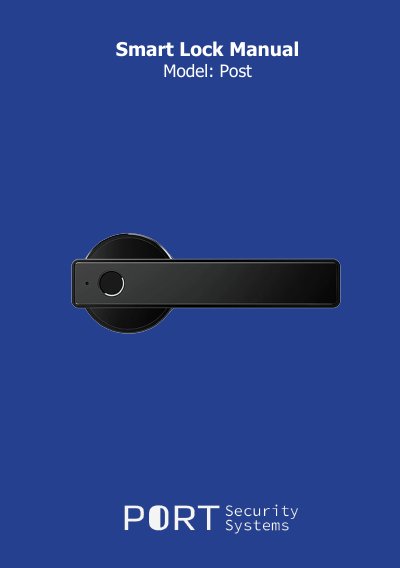
The Port Smart Lock Post is a semiconductor fingerprint sensor smart lock that supports unlocking via fingerprint, Bluetooth app, remote Wi-Fi, or a manual key. It features voice-guided commands, auto-locking timers, smart freeze protection, and tamper alarms. The device is constructed from 304 stainless steel and zinc alloy and operates on four AAA batteries.
| Material | 304 Stainless Steel & Zinc Alloy |
|---|---|
| Unlocking Methods | Fingerprint, Bluetooth Gateway, Manual Key |
| Data Capacity | 200 sets of fingerprints |
| Fingerprint Sensor Type | Semiconductor Sensor |
| Fingerprint False Accept Rate | <0.00003% |
| Battery Lifespan | 3,000 Times of Locking & Unlocking Operation |
| Working Temperature | -13°F - 140°F |
There is no limit to the number of e-Keys you can generate.
No, fingerprint addition is not supported remotely at this time.
Bluetooth mode stores 500 records, while non-Bluetooth mode stores 10,000 records.
The lock freezes for 30 seconds after the wrong fingerprint is entered 5 times.