
Warnings for people with epilepsy
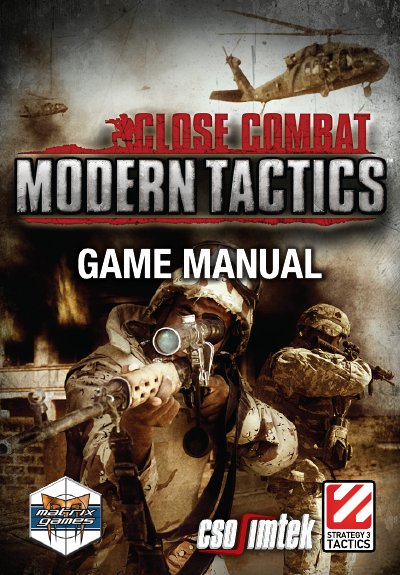
This manual provides step-by-step instructions for installing and playing Close Combat: Modern Tactics, a WWII strategy game. It covers system requirements, game setup, command and battle screens, multiplayer options, and troubleshooting. The guide also includes safety warnings about epileptic seizures from flashing lights and parental guidance recommendations.
The game features updated AI, new battles, and tactical depth, with options for single or multiplayer modes. It includes scenario editing tools and a detailed map system for managing forces and issuing orders.
Close Combat: Modern Tactics™.
To command Army or Opposition Forces’ Battle Groups in head-to-head battles using Modern Era weaponry and equipment.
OS: Windows 95/98/ME/2000/XP/Vista, Processor: 300Mhz or faster, RAM: 256mb, Video Card: 1024 x 768 w/ 16 bpp or greater, Sound Card: 16-Bit DirectX 9 compatible, CD-ROM: Yes, Hard Drive: 1.5GB Free, DirectX Version: 9.0c.
Double click the desktop icon or click START > Programs > Close Combat Modern Tactics™ to launch the game.