
Aladin is a software sky atlas for astronomers
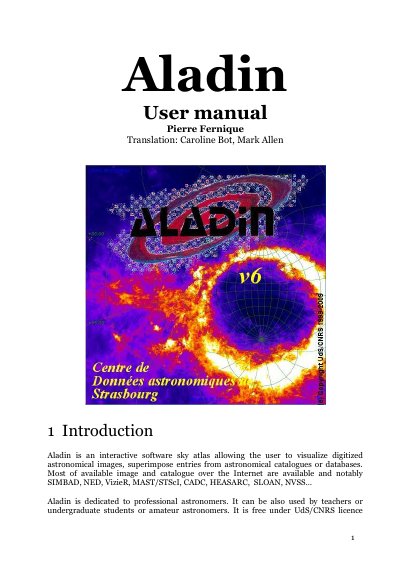
Aladin is an interactive astronomical software tool that allows users to visualize digitized sky images and overlay data from catalogs like SIMBAD and NED. It supports web-based use and local installation across Windows, Linux, and Mac systems. The software is designed for professional astronomers, educators, and amateurs, offering features such as image zooming, catalog searching, and data export. It integrates with various astronomical data sources and supports scripting for advanced use.
Aladin’s interface includes tools for image manipulation, catalog cross-matching, graphical overlays, and view synchronization. It can be launched locally or as a web applet, and users can save views as images or EPS files for publication. The software is free under a CDS/CNRS license and is compatible with emerging Virtual Observatory standards.
256 megabytes is sufficient for most jobs.
An internet connection of at least 512Kbit/s is recommended.
The installation process only takes a few seconds.