
This is the Member Self Service User Guide for the Loyola Center for Fitness. It includes instructions on how to log in, update personal information, make a payment, and more.
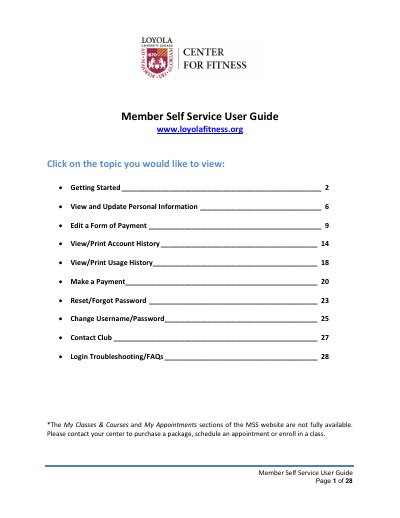
This document serves as a user guide for the Member Self Service (MSS) website of the Loyola Center for Fitness. It provides step-by-step instructions for accessing the portal, including logging in for the first time and resetting passwords. The guide covers essential account management tasks such as updating personal information, changing forms of payment, and viewing account and usage history.
New passwords must be 8 to 32 alphanumeric characters and include at least one uppercase letter or one number.
You should call the Loyola Center for Fitness at (708) 327-2348.
The email sender is [email protected].