
This document introduces the basic functions of SPH-10BT
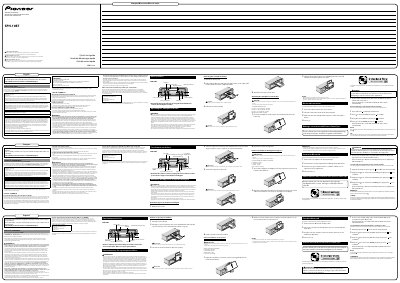
This guide explains how to install and operate the Pioneer SPH-10BT smartphone receiver. It includes instructions for mounting the device, connecting via Bluetooth or USB, and using the Pioneer Smart Sync app. Safety warnings cover proper installation, avoiding interference, and safe driving practices.
The manual also details compatible smartphone sizes and weight limits, how to detach and reattach the holder, and precautions for use in vehicles, including avoiding interference with vehicle systems and ensuring safe visibility.
| Model Number | SPH-10BT |
|---|---|
| FCC ID | EW4C95 |
| IC | 4250A-C95 |
| Compatible Smartphone Height | 2.28 in. - 6.69 in. (58 mm - 170 mm) |
| Compatible Smartphone Width | 2.28 in. - 3.42 in. (68 mm - 87 mm) |
| Compatible Smartphone Depth | 0.15 in. - 0.39 in. (4 mm - 10 mm) |
| Compatible Smartphone Weight | under 0.55 Ibs (0.25 kg) |
Turn on Bluetooth on your device, select the unit name, confirm the 6-digit pairing number matches, then select [Y].
Smartphones with height 2.28–6.69 in., width 2.28–3.42 in., depth 0.15–0.39 in., and weight under 0.55 lbs (0.25 kg).
No, do not operate the app or device while driving. Pull off the road and park safely before using it.
It’s an app that integrates maps, messages, and music in the vehicle. Download it to use with the SPH-10BT.