
I-150 Imaging Barcode Scanner Programming Guide

This is a I-150 Imaging Barcode Scanner programming guide
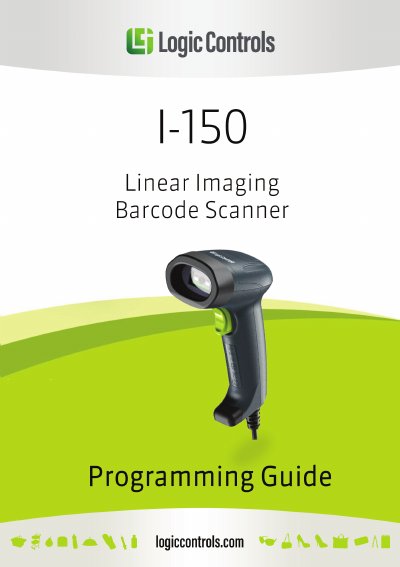

I-150 Imaging Barcode Scanner Programming Guide - cover page
Brand
I-150
Category
Scanner
Document type
Programming Manual
Language
English
Pages
15
File format
PDF
File size
1.3 MB
Published
19 October, 2023
Updated
19 October, 2023
MD5 checksum
4FE5A759AD866A45F45E6F3979B1570F

About this manual

This document serves as a programming guide for the I-150 Imaging Barcode Scanner. It details the procedure for configuring the device using specific setup barcodes to adjust system parameters and decoding options. The guide explains how to initiate and confirm configuration sequences to tailor the scanner to specific application needs.

What's inside

  • Using the Scanner
  • System Settings
  • Interface Selection
  • Keyboard Language
  • Message Terminator
  • Scanner Operation Mode
  • Buzzer Setup
  • Barcode Symbologies Configuration

Frequently asked questions

What is the I-150 Imaging Barcode Scanner used for?

The scanner is used to read barcodes and transmit the barcode message to a host computer.

How do you activate the aiming line and illumination pattern?

You must hold down the trigger button to activate the red aiming line and the white illumination pattern.

What happens after a successful scan?

A beep sound occurs, the illumination and aiming pattern turn off, and the scanner transmits the barcode message.

Download PDF (1.3 MB)