
ExSite® Enhanced 2 Operations Manual provides instructions on how to use ExSite® Enhanced 2, including system requirements, creating an initial user and logging in, using the live view, using the camera zoom and focus controls, using the camera presets, configuring the system settings, configuring the network and security settings, and configuring users.
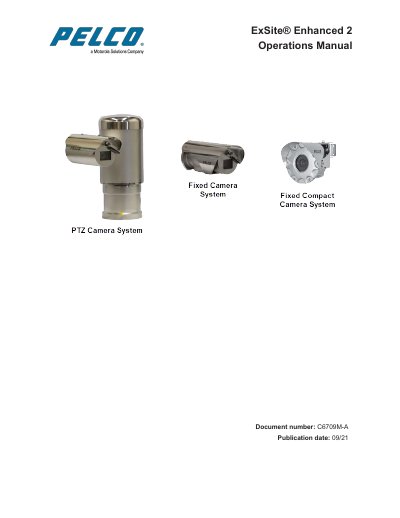
This document serves as the Operations Manual for the ExSite Enhanced 2 C6709M-A PTZ camera. It details procedures for accessing the camera web interface, creating initial users, and logging in. The guide explains how to utilize the Live View, including zoom, focus, and PTZ controls, as well as managing camera tours and presets.
There are no default username and password; you must create a user with administrator privileges before the device is operational.
The default username is administrator with no password.
Use the zoom and focus controls to choose the desired position, then click Set at the lower-right of the Live View page.