
This is an instruction manual of Anemometer/Thermometer Datalogger SD-4207/SD-4214 from Netzero Tools
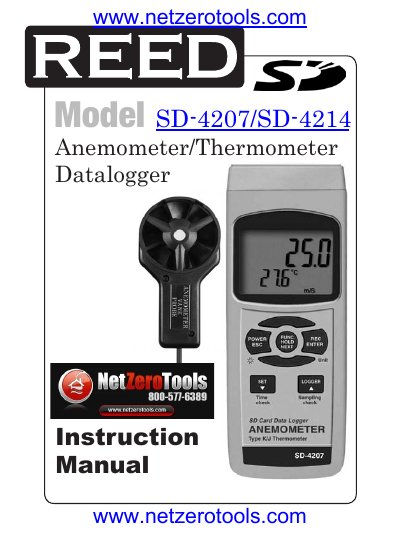
This manual provides instructions for the NetZero Tools SD-4207/SD-4214, a device that measures air velocity and temperature, as well as Type K and Type J thermocouple temperatures. It details the use of the built-in SD card datalogger for recording data with a built-in clock and calendar.
| Air velocity units | m/S, Km/h, FPM, Knots, Mph |
|---|---|
| Temperature units | (°C, °F) |
| Auto Sampling Time | 1, 2, 5, 10, 30, 60, 120, 300, 600, 1800, 3600 seconds |
| Memory Card | SD.memory.card,.1.GB.to.16.GB |
| Power Supply | UM3/AA.(1.5.V).x.6.batteries |
| Operating Temperature | 0-50°C.(0-122°F) |
| Operating Humidity | Less than 85%.R.H. |
| Weight | 515g/1.13lb |
Press and hold the Unit Button until the display flashes the units, then release to select the displayed unit.
Press the REC Button once to start recording maximum and minimum readings.
While Datalogging, press the Logger Button once to pause; press it again to resume.