
This document introduces how to use KUDO platform to participate in CITES online meetings
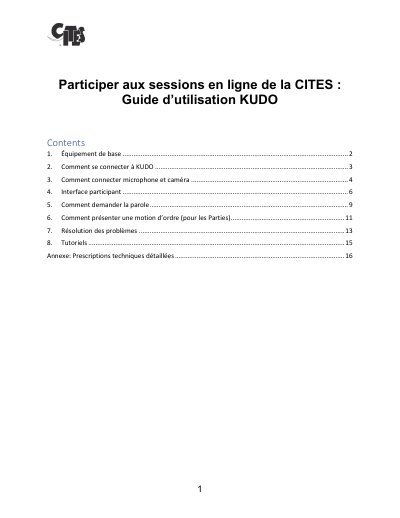
This guide explains how to connect to the KUDO platform for CITES online sessions, including equipment requirements, microphone and camera setup, interface navigation, and how to request speaking turns. It also covers troubleshooting common issues like audio quality and access permissions.
The guide includes step-by-step instructions for joining sessions, adjusting settings, sharing screens, and using chat features. It emphasizes the importance of using approved browsers, wired headsets, and stable internet connections for optimal performance. This manual is written in French.
The platform works with Google Chrome, Firefox, or Edge, but it does not function on Internet Explorer or Safari.
You should use a high-speed Wi-Fi connection with a download speed of at least 20 Mbps.
You must connect to the online session at least one half-hour before the communicated time.