
OMC-140 installation manual, introducing the features and installation methods of OMC-140
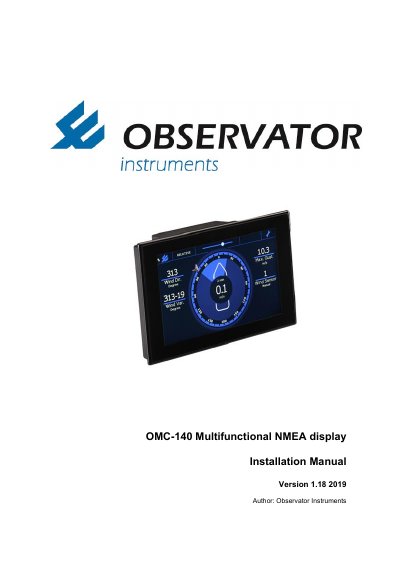
This manual provides instructions for the installation, commissioning, and integration of the OMC-140 Multifunctional NMEA Display. It covers safety precautions, identification of standard and optional items, mounting procedures, and terminal connections for power and sensors. The document also details the configuration process via the touch screen and terminal mode, including NMEA settings and data logging functions.
The guide includes specific instructions for electrical connections, such as AC and DC power modules, and explains how to set up various display types and sensors. It concludes with technical specifications regarding inputs/outputs, environmental ratings, and dimensional drawings for panel cut-outs.
| Screen Resolution | WVGA 800x480 |
|---|---|
| Operating Temperature | -15°C..+55°C |
| AC Power Input | 100..240 V AC, 50/60 Hz |
| NMEA Inputs | 2 NMEA0183 inputs |
| NMEA Output | 1 NMEA0183 output |
| IP Rating | IP22 |
The default password is 1382.
No, the display is for indoor use only; an IP66 or better housing is required for outdoor use.
The maximum storage temperature is +80°C.