
This document describes the Winbond Quad SPI Evaluation Kit, including the Mbed-enabled MCU Board, Shield Board and Daughter Board.
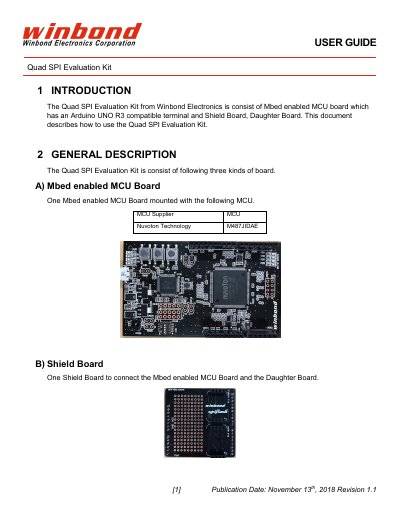
The Winbond Quad SPI Evaluation Kit consists of an Mbed enabled MCU board, a Shield Board, and a Daughter Board. The kit is designed to evaluate the Quad SPI flash memory interface and includes specific flash memory options such as Serial NOR, Serial NAND, and SpiStack combinations. The Mbed enabled MCU board utilizes a Nuvoton M487JIDAE microcontroller.
| MCU Model | M487JIDAE |
|---|---|
| Flash Memory Type 1 | 3.3V Serial NOR Flash Memory |
| Flash Memory Type 2 | 3.3V Serial NAND Flash Memory |
| Flash Memory Type 3 | 3.3V Serial NOR + Serial NAND Flash Memory |
| Operation Temperature | Industrial (-40'C to +85'C) |
You need a computer with Internet access and a USB port, along with the one-click firmware update package.
You can change the voltage by short-circuiting either of CN204 on the Mbed enabled MCU Board.
The sample program source code is located at https://github.com/Kensaku-Sugai/QSPI_EVB_KIT_sample.