
This file introduces the operating instructions and precautions of Nova-Pro 300 and Nova-Pro 500 LED Stroboscopes / Laser Tachometers.
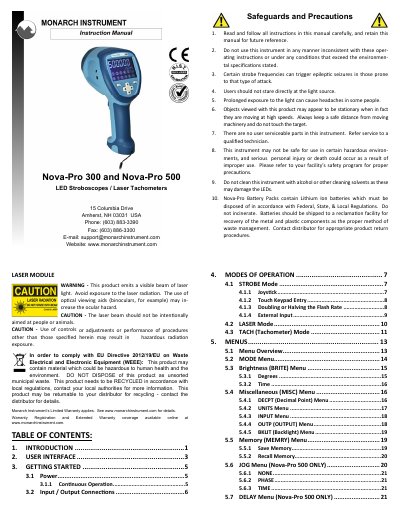
The Monarch Instrument Nova-Pro 300 and Nova-Pro 500 are portable hand-held LED Stroboscopes designed for inspecting and stopping the motion of rotating objects. The Nova-Pro 300 is available as battery or AC mains powered, while the Nova-Pro 500 includes additional delay functions for virtual slow motion inspection. Both models feature a dedicated Laser Module that can synchronize the strobe flash to a remote target or function as a laser tachometer to determine the speed of rotating objects.
| Input Jack Voltage | 3 to 12 volts |
|---|
No, the instrument may not be safe for use in certain hazardous environments and serious personal injury or death could occur as a result of improper use.
They are portable hand-held LED Stroboscopes used for inspection and to stop motion of rotating objects.
It is available as battery powered or AC mains powered.
Turn the unit on by pressing and holding the POWER button until the display illuminates, then release the button.