
This document is the user manual for Authorize.Net CIM extension, which introduces the installation, configuration, usage, FAQs and troubleshooting of the extension.
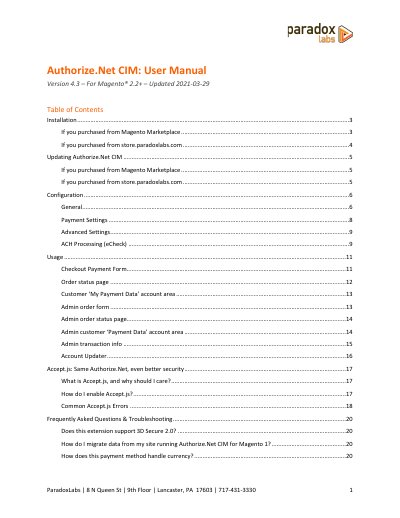
This manual provides step-by-step instructions for installing and configuring the Authorize.Net CIM payment extension for Magento 2.2+. It covers installation via Composer or file upload, configuration settings, and troubleshooting common errors. The guide also explains how to enable Accept.js for enhanced security and how to handle refunds and customer payment data.
The manual includes technical details such as API architecture, custom database schema, and event handling for integration with Magento’s REST and SOAP APIs. It is intended for developers and administrators familiar with server command-line operations and Magento’s module system.
Yes, it supports 3D Secure 2.0.
Follow the migration instructions provided in the manual.
Verify that your Authorize.Net account has Customer Information Manager (CIM) enabled and that the credentials are correct.