
It explains the functions and operating methods of the controller, such as the controller's operating modes, clock setting, manual irrigation, etc.
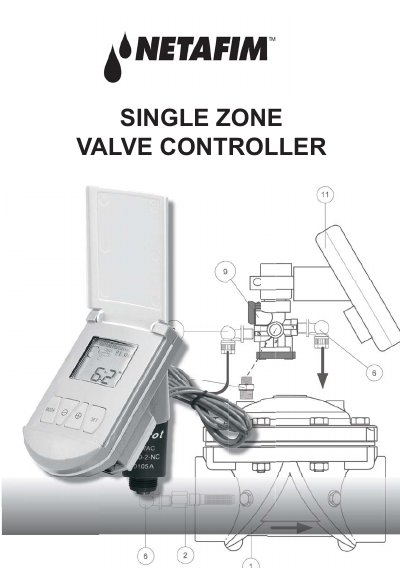
This manual explains how to program and operate a SUNNY solar irrigation controller. It includes five operation modes: P1 (daily at fixed time), P2 (daily on selected days), P3 (up to three independent programs), Off, and Manual. Programming involves setting time, duration, and days using the controller’s keys. Battery replacement is also covered.
The controller features a display with icons for modes, time, and battery status. Instructions are given for setting the clock, configuring irrigation schedules, and performing manual operations. Backup batteries are noted to preserve settings.
The controller has up to five operation modes: P1, P2, P3, Off, and Manual.
From operation mode, press
Release the four screws of the battery compartment cover, remove the cover, seal, and screws. Replace the battery with a new high-quality alkaline battery. Put the battery, seal, and cover back in place and re-tighten the screws.