
magweb user manual, introduces the use of the product, precautions, etc.
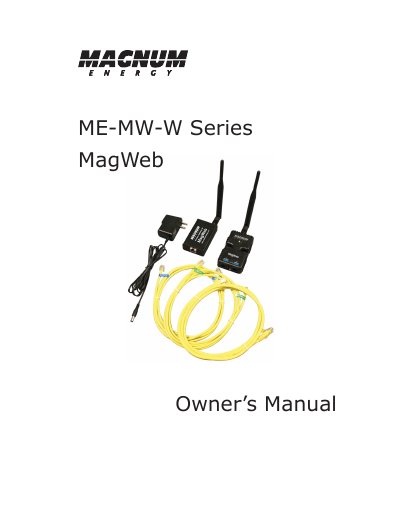
This manual provides instructions for installing and using the ME-MW-W MagWeb wireless device to monitor Magnum inverters and accessories remotely. It covers installation requirements, device connections, safety precautions, and troubleshooting. The device connects to inverters and a wireless gateway to provide live monitoring via data.magnumenergy.com.
The MagWeb requires no external sensors and automatically detects connected devices. It supports various configurations including inverter-only, inverter+remote, and inverter+remote+BMK+AGS setups, with different measurement channels available depending on the connected equipment.
| Compatible Inverters | RD/ME/MS/MS-PAE Inverters versions 2.6 and greater |
|---|---|
| Internet Connection Requirement | Always on Internet connection supporting 2.5 megabytes per day outgoing data |
The MagWeb can monitor Magnum inverters, remote controls, battery monitors, and automatic generator start modules, depending on the configuration.
No, the MagWeb uses sensors already built into Magnum products and requires no external sensors to install, configure, or calibrate.