
This document introduces the basic usage method of Elatec TWN4 MultiTech 3 LF transponder reader, including pre-preparation, connection, power-on, enumeration, initialization, etc.
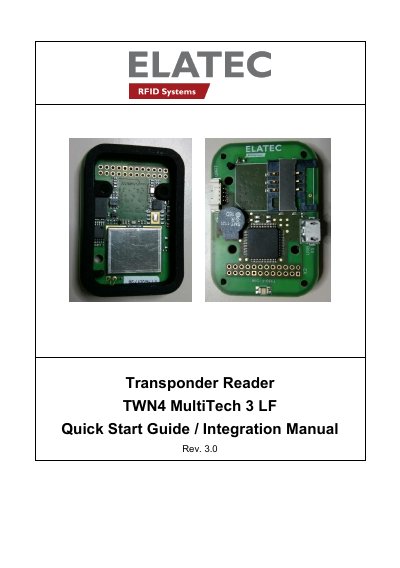
The Elatec TWN4 MultiTech 3 LF is a transponder reader designed for reading and writing RFID transponders at a working frequency of 125 kHz. The device supports connection to a host via USB or RS232 cables. Upon power-up, it detects the communication cable type and performs initialization, indicated by a specific LED and audio sequence.
| Operating Frequency | 125 kHz |
|---|---|
| Antenna Inductance | 490μH ± 5% |
| Wire Diameter | 0.15mm |
| Windings | 67± 2 |
| Polarization | Linear |
The device has a working frequency of 125 kHz.
After successful initialization, the device sounds a short sequence consisting of a lower tone followed by a higher tone.
The device sends the ID to the host, sounds a beep, blinks the red LED for two seconds, and then turns the green LED back on.