
This document is an operating manual for the DV-22N digital vacuum gauge
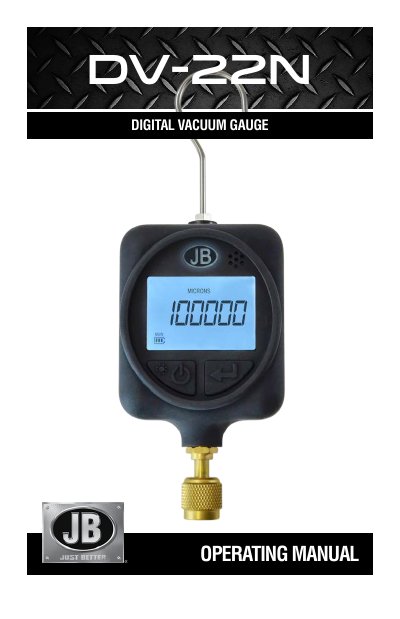
This manual provides step-by-step instructions for operating the JB DV-22N digital vacuum gauge, including powering on/off, accessing menu settings, and configuring alarms and display options. It also covers battery replacement, unit selection, and maintenance procedures such as cleaning the vacuum sensor. The gauge operates on three AA batteries and features a 12-month warranty.
| Vacuum Reading Range | 100,000 to 10 microns |
|---|---|
| Working Temperature | +32°F to 120°F (+0°C to 48.9°C) |
| Power Supply | Three AA batteries |
| Dimensions | 9" length x 3.25" width x 1.5" depth |
| Shipping Weight | .86 lbs (.39 kg) |
| Warranty | 12 months |
Press and hold the POWER button for two seconds.
The DV-22N will beep once and power off.
Press ENTER to scroll through options, then hold ENTER for three seconds to store the selection.
Fill the brass sensor fitting with isopropyl alcohol, shake gently, pour out, and let it dry for 20 minutes.