
This document is the installation manual for the MT series variable speed drives
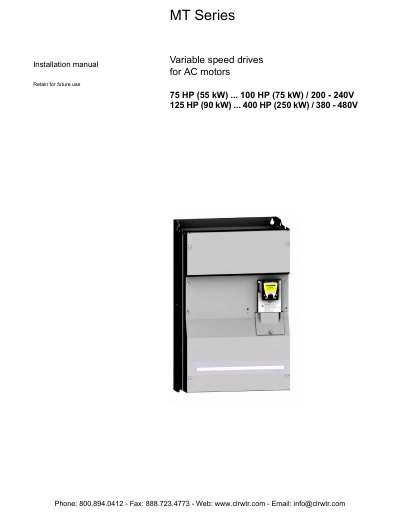
This manual provides step-by-step instructions for installing and wiring Clrwtr MT Series variable speed drives for AC motors. It includes safety warnings, mounting guidelines, DC choke installation, and electrical ratings. The document emphasizes proper handling, grounding, and voltage compatibility to prevent equipment damage or injury.
Key sections cover preliminary recommendations, drive ratings, mounting procedures, DC choke installation, and wiring diagrams. Safety precautions are highlighted throughout, including warnings about hazardous voltages, improper operation, and handling damaged equipment.
| Power Ratings | 75 HP (55 kW) to 400 HP (250 kW) |
|---|---|
| Switching Frequency | 2.5 kHz (factory-set) |
| DC Choke Requirement | Required for 3-phase line supply |
Yes, for 3-phase line supply connections, a DC choke must be installed and wired according to the manual.
The voltage range is 200 - 240V.
Disconnect all power, place a “DO NOT TURN ON” label, and lock the disconnect in the open position.