
LV7 user manual, introduces LV7's quick start, Bluetooth and audio input, top panel, rear panel, Bluetooth pairing, troubleshooting, input types, specifications, LV7 block diagram and glossary of terms.
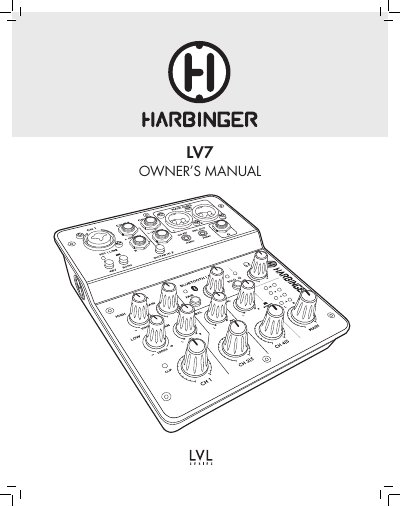
This manual guides users through setting up the Harbinger LV7, a 5-channel utility mixer with Bluetooth, phantom power, and professional XLR connections. It covers input types, output connections, Bluetooth pairing, and level controls. The document also includes safety instructions, troubleshooting, and a block diagram for reference.
| Channels | 5-channel |
|---|---|
| Bluetooth | Yes |
| Microphone Preamp | High-headroom |
| Phantom Power | Yes, on CH1 |
| Inputs | XLR, 1/4" mic/line, 3.5mm stereo, guitar/bass |
| Outputs | XLR MAIN OUTS, 1/4" headphone jack |
| EQ | 2-Band EQ |
Press the PAIR button on the LV7 to activate pairing mode (LED will blink). On your phone, scan for available devices and select 'Harbinger Mixer'. The LED will turn solid when paired.
It activates phantom power for condenser microphones. Leave it off for dynamic microphones to avoid noise or damage.
Set the 48V switch for condenser mics (on) or dynamic mics (off). Slowly increase the CH1 GAIN until the CLIP LED briefly triggers, then reduce it slightly. Then adjust the CH1 level and MAIN level until a comfortable listening level is achieved.
It lights red when the signal level at the preamp stage is too high and causing clipping/distortion.