
This document is the user manual for Air Venturi Avenger air rifle
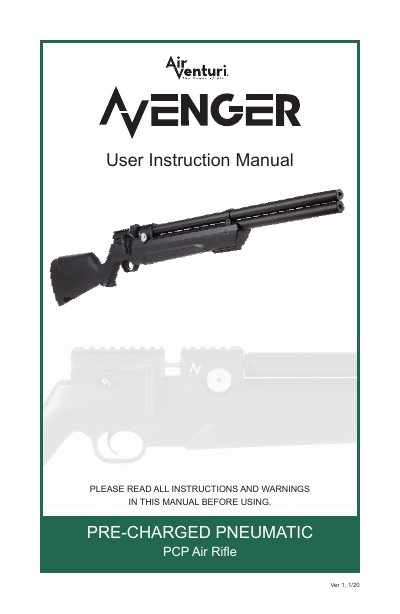
This manual provides detailed instructions for safely operating and maintaining the Air Venturi Avenger air rifle. It includes safety rules, how to use the safety mechanism, pressurize and depressurize the rifle, load ammunition, and adjust settings. The document emphasizes safety precautions, such as always keeping the muzzle pointed in a safe direction and wearing protective gear.
Technical specifications include operating pressure ranges (10MPa to 30MPa) and warnings about using only compressed air to avoid explosions or injury.
| Operating Pressure Range | 10MPa ~ 30MPa (100bar ~ 300bar / 1450psi ~ 4350psi) |
|---|---|
| Maximum Pressure | 30MPa (300BAR / 4350PSI) |
| Ammunition Type | Only compressed air |
The maximum pressure of the internal air reservoir is 30MPa (300BAR / 4350PSI).
The maximum pressure of the internal air reservoir is 30MPa (300bar / 4350psi).
This air rifle is designed for use at pressures between 10MPa and 30MPa (100bar and 300bar / 1450psi and 4350psi).
To set the safety to 'SAFE', pull it rearward so it points to the 'S' indicator and covers the red dot.