
This is the user manual for the Kenwood Audio-Video Receiver KRF-X9995D, which introduces the features and usage methods of the receiver.
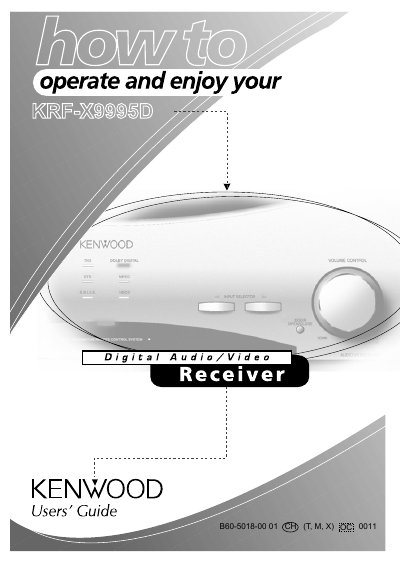
The Kenwood KRF-X9995D is an audio-video receiver that connects various audio and video components. It features a graphical user interface called PowerTouch, which allows users to control connected devices without using a TV remote. The receiver supports dual-zone operation, enabling independent playback in two different rooms.
PowerTouch is a graphical user interface that allows you to control all your current audio and video components without having to use your TV.
Yes, the receiver adds dual-zone/dual-source operation, letting you play two different A/V sources independently in two different rooms.
You can adjust the volume using the control knob on the receiver or through the PowerTouch interface.