
Installation manual, introduces how to install the Mighty Mule gate operator system.
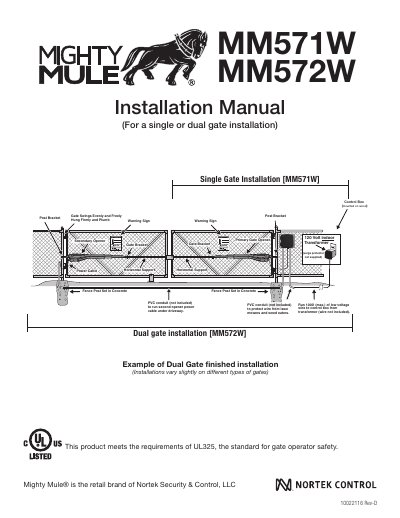
This manual provides step-by-step instructions for installing Mighty Mule MM571W and MM572W gate operators on single or dual gates. It includes safety warnings, mechanical and electrical installation steps, and programming details. The system meets UL325 safety standards and is designed for residential vehicular gates. Installation requires checking gate size, mounting brackets, wiring, and configuring settings like auto-close and stall force. Accessories such as solar panels and transmitters are compatible but not included.
| Maximum Gate Length | 18 feet |
|---|---|
| Maximum Gate Weight | 850 pounds |
| Voltage | 120 Volt |
| Safety Standard | UL325 |
It is compatible with vinyl, aluminum, chain link, farm tube, and wrought iron gates. It is not rated for use on solid surface gates.
After the gate reaches the fully open position, it can be set to remain open up to 120 seconds before automatically closing. Pressing the transmitter button at any time after the gate opens fully will cause it to close immediately.