
JetCon 2301 Industrial Ethernet to Fiber Rail Converter is an entry-level and cost-effective solution for conversion between 10/100Base-TX and 100Base-FX. Specially designed for industrial applications, JetCon 2301’s dual power inputs offer a redundant power supply solution that secures your applications from power interruptions. JetCon 2301 has a built-in relay output function that sends alarm messages immediately when detecting any malfunction or disconnection of your system, allowing maintenance engineers to respond to any system failure in no time. JetCon 2301 has passed temperature, humidity, free fall, vibration, shock, EMI, and EMS tests, making it ideal for applications in harsh environments. JetCon 2301 Industrial Ethernet to Fiber Rail Converter brings you the most reliable data communication in any demanding industrial environment.
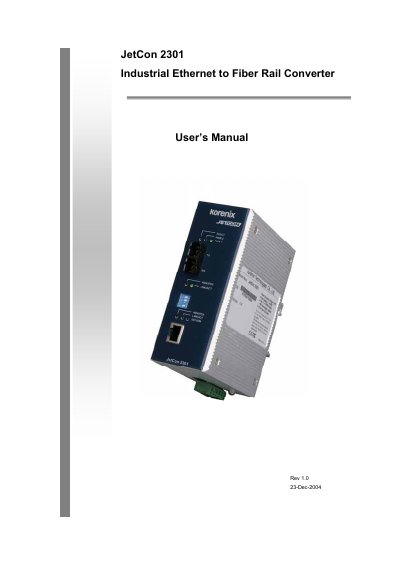
The JetCon 2301 is an industrial Ethernet to fiber rail converter designed for harsh environments. It supports conversion between 10/100Base-TX and 100Base-FX with dual redundant DC power inputs (12-48V) and a built-in relay output for alarm notifications. The device features Link Lose Forwarding (LLF) to disconnect connections upon failure, ensuring network stability.
| Power Input Voltage | 12 to 48VDC |
|---|---|
| Dimensions | 54 mm x 135 mm x 105mm |
| Operation Temperature | 0 to 60°C |
| Fiber Connector | SC (Multi-Mode) |
| Power Consumption | 4.6 Watts |
The device accepts dual DC power inputs ranging from 12 to 48V.
Enable LLF by setting DIP Switch 2 to the ON position.
The device supports a maximum fiber distance of 2Km.