
JetWave 2212X/S wireless access point is equipped with 2-port Fast Ethernet and IEEE 802.11a/b/g/n 2.4G and 5G wireless radio.
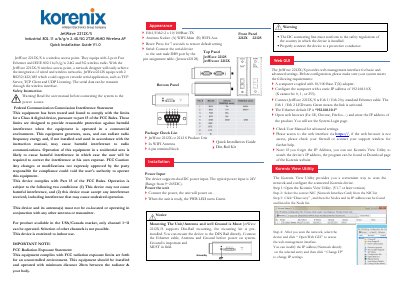
The JetWave 2212X/S is a wireless access point equipped with 2-port Fast Ethernet and IEEE 802.11a/b/g/n 2.4G and 5G wireless radio. It supports serial applications via RS232/422/485 ports, allowing serial data to be transmitted through the wireless interface. The device supports dual DC power input with a typical voltage of 24V (range 9~26VDC).
| Wireless Standards | IEEE 802.11a/b/g/n |
|---|---|
| Ethernet Ports | 2-port Fast Ethernet |
| Serial Ports | 2 RS232/422/485 |
| Power Input Range | 9~26VDC |
| Default IP Address | 192.168.10.1 |
| Warranty Period | 5 Years |
Press the Reset button for 7 seconds.
The minimum distance is 20cm.
No, the device is restricted to indoor use.