
This manual introduces the features and characteristics of the Clinic BPC B-101 product, including safety instructions, product description, EMC, etc.
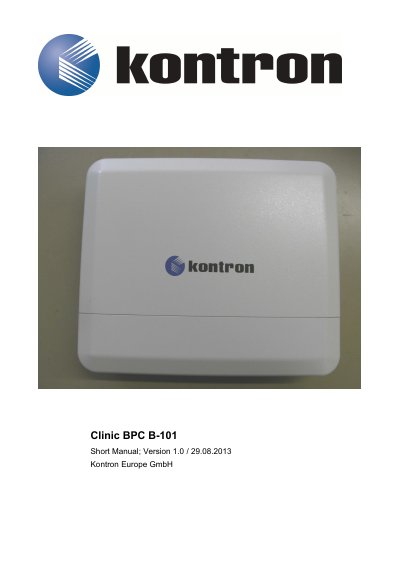
The Kontron Clinic BPC B-101 is a rugged Box PC system designed for operation in harsh industrial environments. It accommodates a Kontron singleboard and is delivered with an internal 2.5" SATA HDD and an integrated AC/DC power supply unit. The system features multiple interfaces including 3x LAN, 4x USB, and various audio/video connectors.
The BPC-101 system is a Box PC system suitable for operation in harsh industrial environments.
It provides 3x LAN (10/100/1000 Mbps) galvanic separated, 4x USB (2.0), 1x DVI-I; 1x DVI-D; 1x Line in; 1x Line out; 1x Mic in and 1x Speaker.
The BPC-101 system is designed to be powered from an AC power source via an AC power cable.
The system must be powered-down and the power cord disconnected from the power source.