
This document describes the steps for reading service data on a JUMBO Care 2nd generation display control box and on a laptop.
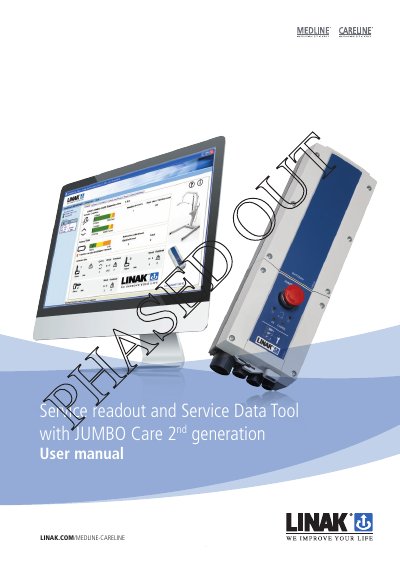
This manual explains how to use the Service Data Tool and the control box display to read service data from the LINAK JUMBO Care 2nd generation system. It covers checking service intervals, viewing actuator statistics like total cycles and overloads, and monitoring control box battery status.
| Standard service interval | 12 months / 8000 cycles |
|---|---|
| Service Data Tool version | 2.5.0 or newer |
| OpenBus programming box item number | IB300001 |
| Service readout cable item number | 0964987-A |
The service time will start to count down from the day the control box is produced.
You can change the service interval via a special LINAK handset (Item number HB8646V2010 + 71) by plugging it in and pressing the button.
If the overload symbol is shown next to the actuator in the Service Data Tool, there is currently an overload situation.