
Kistock Data Logger Software User Manual

This manual introduces the use of Kistock data logger software, including software installation, data logger connection, software interface and so on.
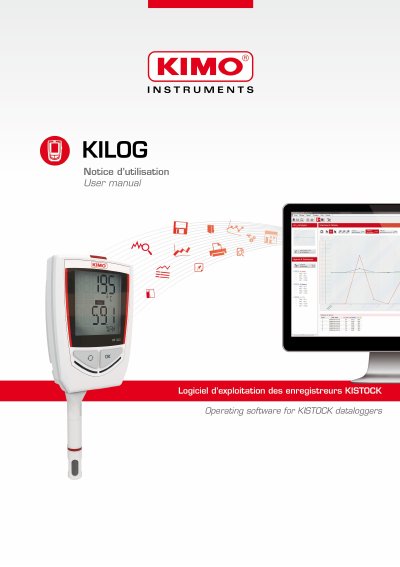

Kistock Data Logger Software User Manual - cover page
Brand
KISTOCK
Document type
User Manual
Language
English
Pages
42
File format
PDF
File size
4.1 MB
Published
19 October, 2023
Updated
19 October, 2023
MD5 checksum
D7DD6B71575808CE9BABBA482F10EFC4

About this manual

This manual provides step-by-step instructions for installing and using Kistock data logger software. It covers connecting data loggers via USB, configuring device settings, managing datasets, and exporting data in CSV, JPEG, or PDF formats. The software supports multiple KISTOCK classes (50, 120, 220, 320) and includes tools for managing customers, operators, and measurement corrections.

What's inside

  • Software Installation
  • Connecting Data Logger
  • Software Presentation
  • Application Parameters
  • Managing Customers and Operators
  • Configuring KISTOCK
  • Data Processing
  • Exporting Data
  • Measurement Correction
  • Updating Device

Frequently asked questions

What operating systems are required to install the software?

The software requires Windows XP SP3, Windows Vista, Windows 7, or Windows 8.

How much RAM is needed for the minimum configuration?

The minimum configuration requires 1024 MB of RAM.

Which data logger classes are compatible with the software?

The software is available as an option for autonomous classes 20, 50, 120, 220, and 320 KISTOCK data loggers.

Download PDF (4.1 MB)

More KISTOCK Manuals


View all KISTOCK manuals →