
The document is the user manual for DuetE-WP wallplate encoder, which introduces the functions and features of the product, including network infrastructure, installation and configuration.
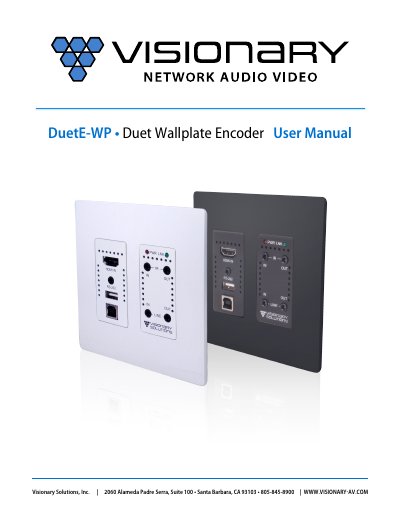
This manual guides users through installing and configuring the DuetE-WP wallplate encoder for 4K UHD video over IP networks. It covers network prerequisites, switch requirements, PoE power specs, and advanced settings like VLAN trunk mode and Dante™ integration. The device supports multicast video streaming and can be controlled via Vision Lite software or third-party drivers.
Troubleshooting includes LED indicators, firmware checks, and factory defaults. The manual also details system examples such as single-source-to-multiple-displays and video wall setups, with support for USB over IP and RS-232 over IP control signals.
| Power Over Ethernet (PoE) Requirement | 15.4W |
|---|---|
| Switch Speed Requirement | 1GbE |
| Video Resolution | 4K UHD |
| Video Compression | 8~10:1 |
| Maximum Data Rate | 850Mbps |
The DuetE-WP requires non-blocking, IGMP with IGMP Snooping, 8K or better Jumbo Packet 1GbE network switches. At least one layer-3 switch with IGMP-query capability is required.
You should plan on a maximum available PoE power of 15.4W per port for the DuetE-WP.
The raw bandwidth for 4K video alone is up to 850Mbps.
The DuetE-WP requires a non-blocking, IGMP with IGMP Snooping, 8K or better Jumbo Packet 1GbE network switch.