
This manual provides instructions on how to use the DTH04 temperature and humidity meter, including how to install batteries, turn on and off the unit, change the temperature units, view the maximum and minimum temperature and humidity readings, set the alarm clock, and more.
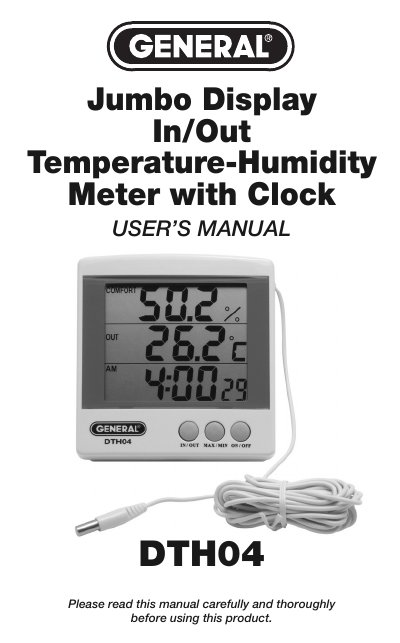
This manual provides instructions for the General Tools DTH04 In/Out Temperature-Humidity Meter with Clock. It details how to install batteries, set the time and alarm, switch between indoor and outdoor readings, and use the Max/Min recall function. The device features a triple readout display showing time, temperature, and relative humidity.
| Temperature Measurement Range | -32° to 122°F (0° to 50°C) |
|---|---|
| Temperature Measurement Accuracy | ±1.8°F (±1°C) |
| RH Measurement Range | 20 to 100% |
| RH Measurement Accuracy | ±6% of reading |
| Power Source | 2 "AAA" batteries |
The temperature measurement range is -32° to 122°F (0° to 50°C).
The RH measurement accuracy is ±6% of reading.
The dimensions are 3.9 x 4.1 x 0.9 in. (99 x 104 x 23mm).
The DTH04 requires 2 “AAA” batteries.