
This manual introduces the technical service information of Tork Elevation Twin Mini Jumbo Tissue Dispenser, including product model, spare part list and replacement instructions.
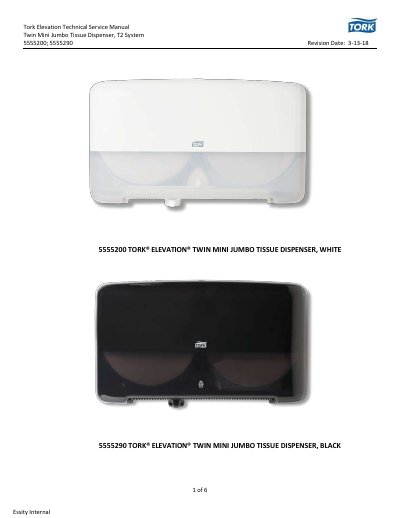
This service manual provides instructions for replacing parts such as the lock and hood on the Tork Elevation Twin Mini Jumbo Tissue Dispenser T2 Series 5555200 and 5555290. It includes step-by-step procedures for disassembling and reassembling components, as well as troubleshooting guidance for paper and dispenser-related issues. The manual also covers ADA mounting requirements, including height specifications and clearance guidelines for installation in accessible facilities.
The document is intended for technicians and installers, and includes part numbers, replacement instructions, and compliance notes for using genuine Tork refills. It references Essity as the manufacturer and provides contact information for customer service and parts ordering.
| Model Number | T2 Series 5555200 / 5555290 |
|---|---|
| Mounting Height | 35” above finished floor |
| ADA Outlet Height | 15” to 48” above finished floor |
Use a small slot-head screwdriver to press the snap fit towards the lock housing. Push the lock downwards at the same time. Repeat on the other side. Remove the old lock by pulling it through the hole in the cover. Insert the new lock and push until a click sound is heard.
Note the date code on the outside of the case of refill product and contact your Essity Customer Service Representative for complaint resolution.