
This manual introduces the basic operations of the JMR-7230-S3/S, JMR-7225-7X3/9X3/6X/9X/6XH, JMR-7210-6X/6XH, JMR-7272-S, JMR-7282-S/SH, JMR-9230-S3/S, JMR-9225-7X3/9X3/6X/9X/6XH, JMR-9210-6X/6XH, JMR-9272-S, and JMR-9282-S/SH marine radar equipment.
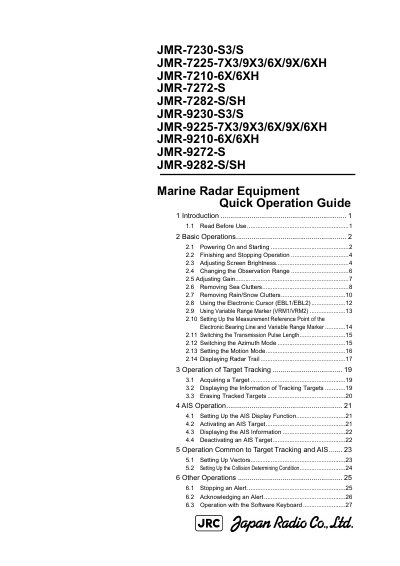
This guide provides step-by-step instructions for operating JRC marine radar models such as JMR-7230-S3/S and JMR-9282-S/SH. It covers basic operations like powering on, adjusting screen brightness, and changing observation range. It also explains how to manage sea and rain/snow clutter, use electronic cursors and variable range markers, and set up target tracking and AIS functions. Safety warnings advise using radar only as a navigation aid, not as the sole basis for maneuvering decisions.
Make sure the ship's power is on, press the Power button on the operation unit, wait for preheating to complete, then click the standby/transmission changeover button to start transmission.
Use the "MULTI" dial to adjust brightness. Rotate it right to brighten or left to darken the screen.
Click the Silence button in the Alert Notification Area or press the "SILENCE" key on the trackball operation unit.