
This is the owner's manual of a car audio
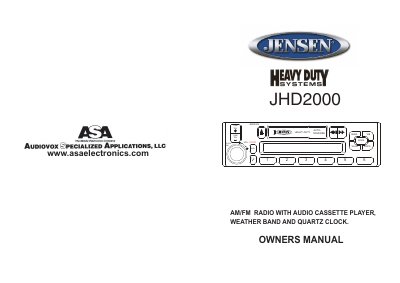
This manual provides operating instructions for the JHD2000 heavy-duty truck audio system, including AM/FM reception, cassette playback, and clock settings. It covers manual and automatic tuning, preset station management, and speaker balance controls. The device also features a weather band for local weather updates and a quartz clock for timekeeping.
The manual includes detailed explanations for each control button, such as volume, bass, treble, balance, and fader adjustments. It also explains how to scan for stations, set presets, and switch between radio and cassette modes. Maintenance tips and safety notes are included for proper use and longevity of the unit.
The unit operates as an AM/FM radio with an audio cassette player, a weather band receiver, and a quartz clock.
The volume level can be adjusted from a minimum of vol:0 to a maximum of vol:40.
The radio allows you to set up to 6 preset memories in each band.