
This file is the user manual for the Interseptor Pro 2 data center server rack environmental monitoring system
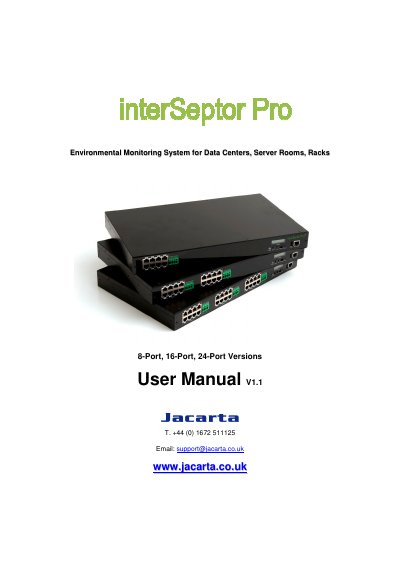
The Jacarta interSeptor Pro 2 is a network device designed for the remote monitoring of temperature, humidity, and contact closure status in data centers, server rooms, and racks. It supports up to 24 environmental monitoring devices (EMDs) and provides alerts via email, SNMP, and telephone voice or SMS.
| Monitored Parameters | Temperature, Humidity, Contact closure status |
|---|---|
| Alert Methods | Email, SNMP, Telephone voice, SMS |
| Power LED Status | Green (No Alarm), Red (Warning/Critical) |
| EMD Cable Max Length | 20m / 65.6ft |
The default password for the LCD screen is 0000.
Yes, the device supports configuration via Telnet, SSH, and HTTP.
Yes, EMDs can be installed safely without powering down the unit.