
This document provides instructions for installing and configuring the WM-E1S 4G® electricity metering modem.
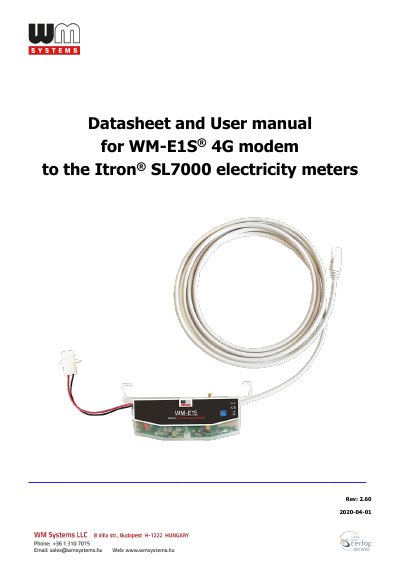
The WM-E1S 4G modem is a device designed for the automated remote reading of Itron SL7000 electricity meters via 4G LTE networks. It supports 2G fallback, multi-operator SIMs, and roaming, providing a transparent data link between the meter and the server. The modem can be configured remotely via TCP/UDP or locally using the WM-E Term software.
| Supported Network | 4G LTE-based cellular network |
|---|---|
| Power Input | 100V-240V AC |
| SIM Type | mini SIM, type 2FF |
| Antenna Connector | SMA-M, 50 Ohm |
The modem can be powered from the meter's mains connection using a general 100V-240V AC voltage.
Yes, the device has a 2G fallback feature to communicate on the 2G network if the 4G network is unavailable.
The modem is installed using a 35mm DIN-rail adapter to fixate on the rail inside the meter enclosure.