
This document is Flightcell Iridium 9555 Cradle Mk 4 installation manual, which introduces the installation steps and precautions.
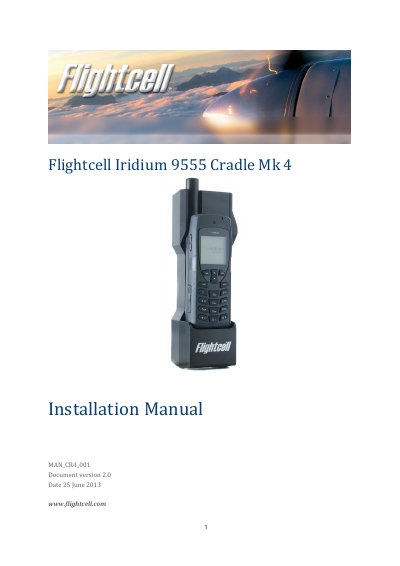
This guide explains how to install the Flightcell Iridium 9555 Cradle, including mounting, audio, data, and antenna connections. It covers power supply, wiring specifications, and phone installation steps. The cradle supports integration with Flightcell DZM systems or standalone audio panels using optional modules like the VAM.
The cradle is designed for secure mounting and includes noise suppression to reduce interference. Specifications include input voltage (12-32V DC), output voltage (5.0V), and dimensions (70mm x 65mm x 236mm with phone). Warranty is 2 years from date of sale.
| Part number | CRP_04001 (Old part number FC9555/D25M4M) |
|---|---|
| Material | Machined from aluminium 6061 |
| Input voltage | 12-32 V DC |
| Operating current | 250mA max |
| Output voltage (to Iridium phone) | 5.0V |
| Dimensions (width, depth, height with phone) | 70mm x 65mm x 236mm |
| Weight (including phone) | 956g |
| Main connector on cradle | DB25 male (8FTM25P -30N1 -FEC) |
| Antenna connector | TNC |
Use 4 x M5 bolts at the four mounting points on the back of the phone cradle, fastened into a bulkhead or similar mounting point. Bolt length should be thickness of mounting surface plus 10-15mm.
Align the slots on the phone’s connector with the alignment pins on the cradle’s connector, rotate the handset back onto the cradle, and lock it with the retaining latch.