
This manual introduces the product features and functions of TST 507 wireless tire pressure monitoring system, including sensor features, display features, system components, display controls, sensor coding, sensor installation, display installation, display buttons, parameter settings, display alerts, other functions, replacing flow-through sensor battery, replacing cap sensor battery, troubleshooting tips, common questions, sensor specifications, display specifications, repeater etc.
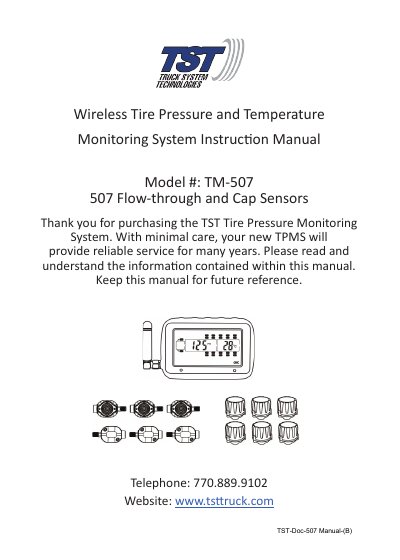
This manual provides step-by-step instructions for installing and programming the TST TM-507 wireless tire pressure monitoring system. It covers sensor types (flow-through and cap), display features, coding methods (automatic, pressure, or manual), installation procedures, parameter settings, and troubleshooting. The system monitors tire pressure and temperature every two minutes and includes a repeater for signal amplification. Sensor batteries last about one year and are user-replaceable.
| Temperature Operating Range | -40° F – 176° F / -40° C – 80° C |
|---|---|
| Pressure Range | 0 – 196 PSI / 0 – 13.5 bar |
| Transmission Frequency | 433.92 MHz |
| Approximate Battery Life | 1 – 1.5 years |
| Display Size | 3.46” Length x 2.36” Width x .94” Depth |
Hold down the “CODE” button until it beeps, navigate to the tire, hold “SET” until it beeps, then quickly press and release “MODE”.
The display can be programmed to monitor up to 22 tires.