
This manual provides an introduction to the Hardy HI 6500 Series Weight Processor. It covers the processor's basic functions, typical applications, features, and capabilities.
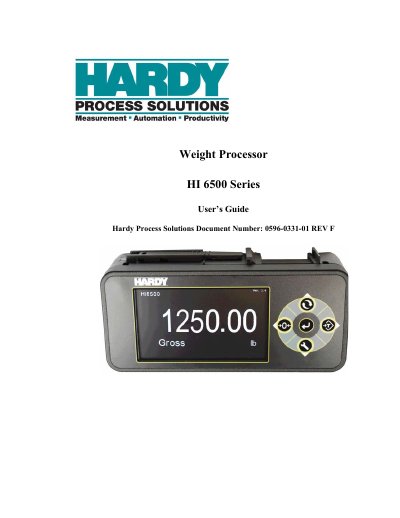
This user guide provides detailed instructions for operating and maintaining the Hardy HI 6500 Series Weight Processor. It covers installation, calibration using C2 and eCal, network and communication configurations (Ethernet, Modbus, Profibus), and security settings. The guide also includes troubleshooting procedures and diagnostic tools like Integrated Technician and WAVERSAVER.
The manual is organized into chapters covering general introduction, setup wizard, installation, communication protocols, parameter settings, calibration, operation, security, and troubleshooting. It supports multiple interfaces including front panel, USB, Ethernet, and RS-232, and includes configuration for Windows operating systems.
| Document Number | 0596-0331-01 REV F |
|---|---|
| Copyright | 2013-2022 |
| Language | English |
Calibration can be performed using C2 and eCal, or Hard Calibration from the front panel or web page. Multi-point calibration is also supported.
It is used for weighing applications with features like calibration, networking, and display options.
It supports Ethernet TCP/IP, EtherNet/IP™, Modbus TCP, and Profibus-DP.
Auto Mode Tracking is disabled by default.