
Introducing the VDX-6358D / VDX-6358D-512 DM&P Vortex86DX 800MHz PC/104 CPU Module product features and characteristics, including product packing list, product description, specifications, board dimensions, etc.
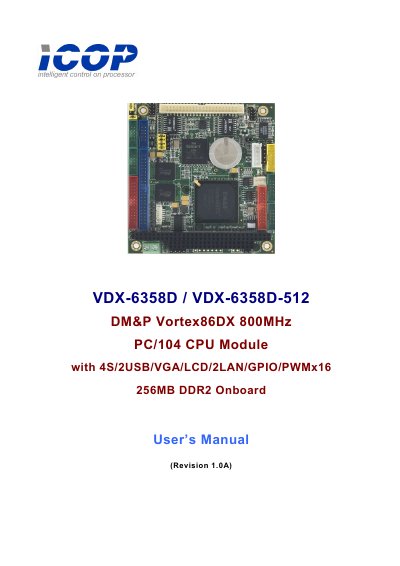
This manual covers the VDX-6358D and VDX-6358D-512 Vortex86DX 800MHz PC/104 CPU modules, designed for embedded applications. It includes installation instructions, pin assignments, system mapping, and hardware setup for VGA, LAN, USB, and GPIO interfaces. The module features 256/512MB DDR2 memory, dual Ethernet ports, and supports industrial applications with extended temperature ranges. Driver installation and BIOS settings are also detailed, including TCP/IP libraries and default configurations for troubleshooting.
| CPU | Vortex86DX 800MHz |
|---|---|
| Memory | 256 / 512 MB DDR2 Onboard |
| Ethernet | 10/100Mbps x2 |
| USB | 2 USB 2.0 (host) |
| GPIO | 16-bit |
| Flash | Onboard 4MB SPI Flash |
| Operating Temperature | -20°C to +70°C |
| Dimensions | 90 x 96mm |
| Weight | 90g |
| Power Requirement | Single Voltage +5V @ 780mA |
The module uses an 800MHz Vortex86DX System-On-Chip.
The module supports an extended operating temperature range of -20°C to +70°C.
Press 'End' key on power on, enter AMI BIOS setup by pressing , press 'F9' to Load Optimized Defaults, then press 'F10' to Save and Exit.
The module requires a single voltage +5V @ 780mA.