
This document introduces the use of HySecurity START, including starting the program, control panel, FAQs, etc.
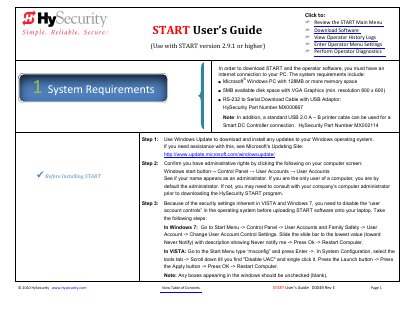
The HySecurity START User's Guide explains how to download and install the START software on a Windows PC, including system requirements and steps for both first-time users and veterans. It details the process of connecting to gate operators via RS-232 or USB cables to upload software and operator codes.
| Operating System | Microsoft Windows PC |
|---|---|
| Memory | 128MB or more |
| Disk Space | 5MB |
| Minimum Resolution | 800 x 600 |
| Maximum Event Logs | 300 events |
You need a Microsoft Windows PC with at least 128MB of memory, 5MB of available disk space, and VGA graphics with a minimum resolution of 800 x 600.
You can use a standard USB 2.0 A – B printer cable, which provides faster uploads than the serial connection.
Yes, you can save the operator code to a file and folder and upload it to the operator in the field if you do not have internet access at the site.