
This manual details the features, operation, and maintenance of the HealthyYOU VENDING machine.
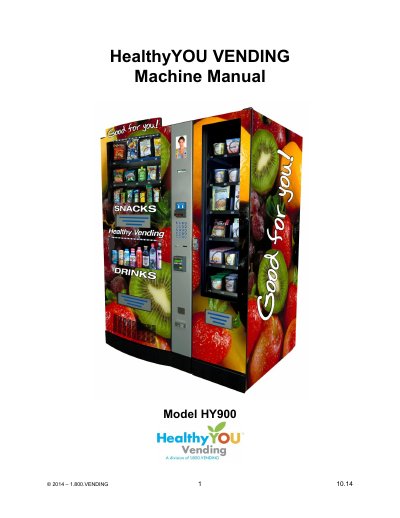
This manual provides step-by-step instructions for installing and operating the HealthyYOU HY900 vending machine. It covers hardware setup, warranty details, error code clearing, calorie entry for products, payment systems including coin changers and bill validators, and refrigeration maintenance. The guide also includes tips for smooth operation and troubleshooting common issues like jams or product selection errors.
The machine is designed for indoor use with specific environmental requirements and comes with a seven-year limited warranty. It features a coin return system, bill acceptor, and temperature readout for the drink section. The manual also explains how to link product selections for better stock management and how to use SmartWarePro for product configuration.
| Model Number | HY900 |
|---|---|
| Height | 72 in |
| Width | 36 in |
| Depth | 28.5 in |
| Weight | 476 lbs |
| Voltage | 115 V |
| Frequency | 60 Hz |
| Watts | 360 W |
| Current | 3.0 A |
Go to DIAGNOSTICS under item 2.9 Clear Errors, hit the “F” key, and when the message “Clearing Complete” appears, exit the menu. Errors will be cleared.
Go to PRICES, hit the “F” key, select Calories, then enter the selection code (e.g., C1) and the calorie value (e.g., 220).
Move a lower-numbered selection to a spot after the last selection you want linked. For example, F1-F4 are linked, but F5 and F6 are not.