
This document is the user manual of LG Electronics HBM-750 Bluetooth headset
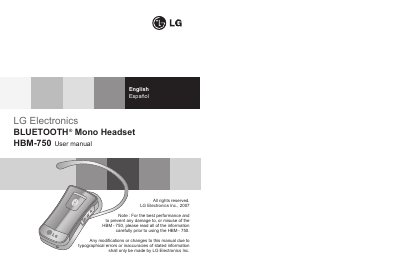
This manual explains how to use the LG HBM-750 Bluetooth headset, including pairing with devices, adjusting volume, making and ending calls, and charging. It also covers LED indicators, troubleshooting common issues, and safety precautions. The headset supports Bluetooth 2.0+EDR with handsfree and headset profiles, has a talk time of up to 4 hours, and a standby time of up to 150 hours.
The manual includes instructions for auto-reconnect, manual pairing, voice dialing, call transfer, and mute functions. It also provides safety warnings about battery handling, exposure to flammable materials, and RF exposure compliance.
| Bluetooth Specification | V2.0+EDR (Handsfree / Headset profiles) |
|---|---|
| Battery | 3.7V, Li-Polymer |
| Standby Time | Up to 150Hrs |
| Talk Time | Up to 4Hrs |
| Charging Time | < 2Hrs |
| Operation Temperature | -10 ℃ ~ 60℃ |
| Dimension / Weight | 20.2mm(W) X 42.2mm(L) X 10.2mm(H) / 9.4g (without necklace) |
Turn on the headset, then press and hold the PWR button for 1 second to enter Auto-Reconnect mode. If not previously paired, press and hold the CALL/END button for 5 seconds to enter Pairing Mode. Use your device’s Bluetooth menu to search for and select 'LG HBM-750', then enter the PIN code '0000'.
It takes 2 hours to fully charge the headset.
The talk time is up to 4 hours.
Briefly press the CALL/END button to answer an incoming call.