
EcoFlow Solar Tracker User Manual introduces the product's functions, features, usage methods, precautions, etc.
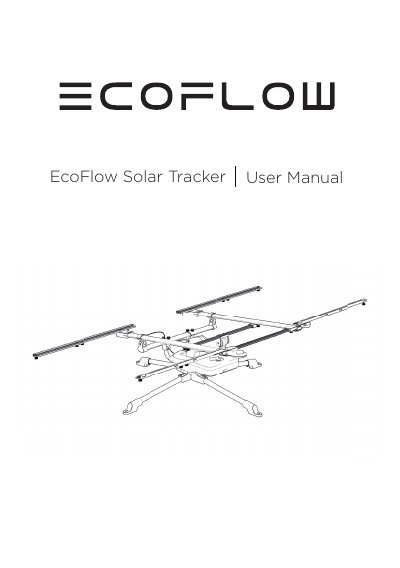
This manual covers installation, operation modes, and maintenance of the EcoFlow Solar Tracker. It includes safety precautions, light indicators, and battery management. The tracker adjusts its position based on sunlight and features an emergency stop button. Maintenance involves periodic battery recharging if unused for long periods.
Press the power button for 3 seconds. A long beep indicates it is powered on or off. The stand will rotate back to its starting position and shut down automatically.
Pressing the red emergency stop button on the control module stops the motor immediately and triggers a beep sound.
Recharge the battery via the USB-C port (5 to 20V, 1A) at the back of the Control Module if the tracker is not in use for a long time.