
GSM/GPRS/GPS Tracker G05 User Manual, introduces the product's features and usage methods
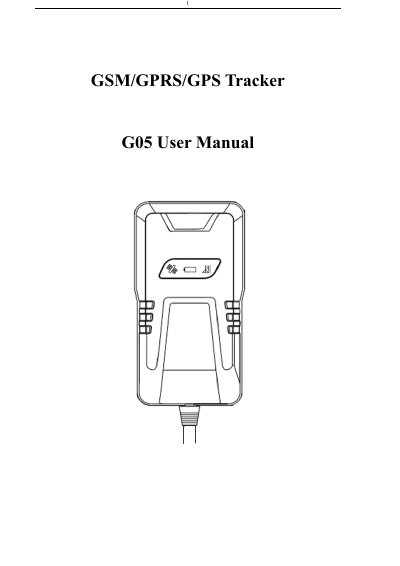
The Secumore G05 is a remote tracking device that operates on GSM/GPRS networks and GPS satellites to locate and monitor targets via SMS or GPRS. It supports real-time tracking, ignition alarms, overspeed alerts, geo-fencing, and power cut-off capabilities. The device features a quad-band GSM network (850/900/1800/1900 MHz) and offers high GPS sensitivity with an accuracy of 5-10 meters. This manual is written in Chinese.
| Dimensions | 90(L)x49.3(W)x16.7(H) |
|---|---|
| Weight | 50g |
| Network | GSM/GPRS /GPS |
| Frequency Band | 850/900/1800/1900 Mhz |
| GPS Sensitivity | -159dBm |
| GPS Accuracy | 5-10m |
| Work Voltage | 12-24V |
| Storage Temperature | -40°C to +85°C |
The default password is 123456.
Send the SMS command 'begin+password' to the unit.
The device failed to read the SIM card; you need to re-install the SIM card and turn on the power.
Send the SMS command 'ITV+password +space+ upload time interval' to the tracker.