
This manual introduces the use of Sound Magic Neo Piano, including installation, selecting instruments and registering keycode, checking pedals, checking dynamic, checking and adjusting key velocity response, noises and style, damping and resonance, tuning system and harmony control.
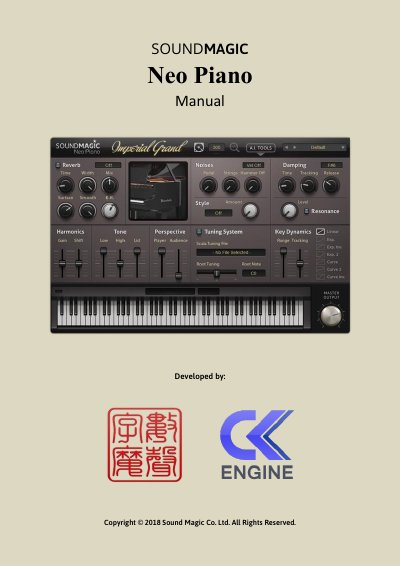
This manual explains how to install and configure the Sound Magic Neo Piano virtual instrument. It covers selecting instruments, entering keycodes, adjusting dynamics and tone parameters, using presets, and troubleshooting common issues. The guide also includes instructions for stand-alone mode and GUI customization.
The Keycode might be wrong in this case, please contact our customer service to solve this issue.
Yes, you can.
No, the keycode will be invalid if you change the .ins filename.